


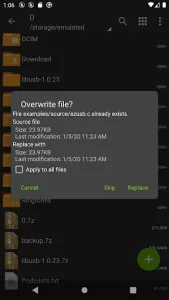
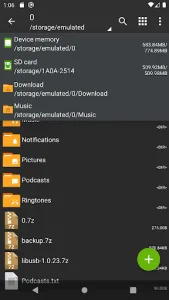
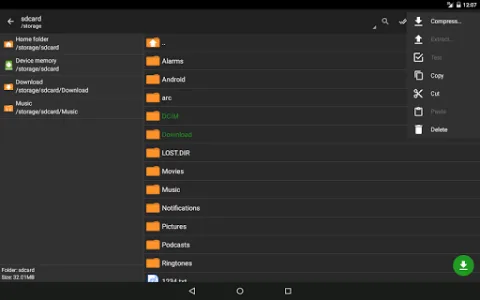
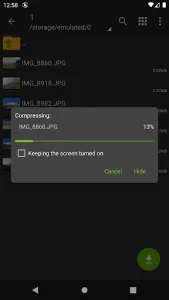
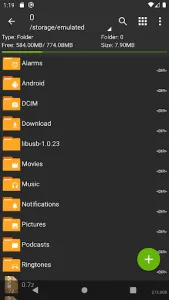
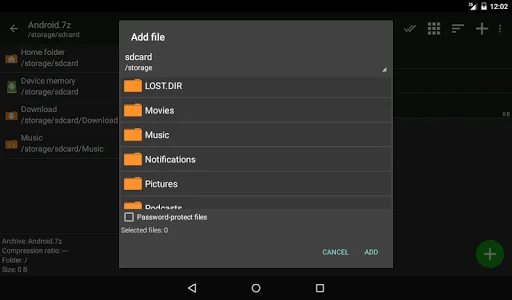
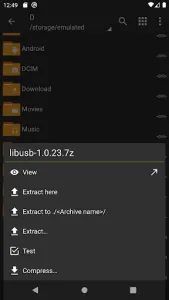
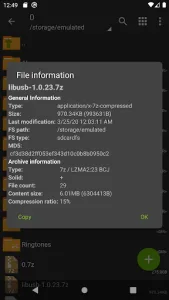
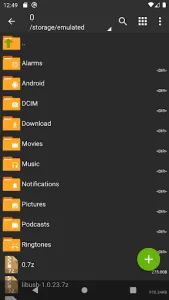
ZArchiver is a powerful and versatile file archiver and extractor designed for Android devices. This lightweight yet efficient tool allows users to handle various compressed file formats with ease, making it a must-have for anyone who frequently deals with archives. Whether you need to extract, compress, or manage files, ZArchiver delivers a smooth and user-friendly experience.
One of the standout features of ZArchiver is its broad compatibility with multiple archive formats. It supports popular formats like ZIP, RAR, 7z, TAR, and even less common ones such as ISO and XAPK. This flexibility ensures that users can work with almost any compressed file they encounter without needing additional software.
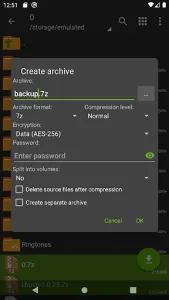
The app also offers advanced functionality, including the ability to create password-protected archives for enhanced security. Users can encrypt sensitive files, ensuring that only authorized individuals can access them. Additionally, ZArchiver allows for multi-part archive handling, making it easier to manage large files split into smaller segments.
Another advantage of ZArchiver is its intuitive interface. Despite its powerful capabilities, the app remains simple to navigate, even for beginners. The clean layout ensures that essential functions are easily accessible, while advanced options remain available for those who need them.
For users who prefer customization, ZArchiver provides various settings to tailor the experience. From adjusting compression levels to selecting themes, the app allows personalization to suit individual preferences. Its low resource consumption also means it runs smoothly on most Android devices without slowing them down.
ZArchiver is particularly useful for those who frequently transfer files between devices or need to save storage space by compressing large folders. Its reliability and efficiency make it a top choice among file management tools. Whether you’re a casual user or someone who regularly handles archives, ZArchiver offers the tools needed to simplify file management on Android.
With regular updates and ongoing improvements, ZArchiver continues to enhance its performance and add new features. Its combination of functionality, ease of use, and compatibility makes it one of the best archiving solutions available for Android users. If you’re looking for a dependable way to manage compressed files, ZArchiver is an excellent option to consider.
Open Android/data in ZArchiver with Shizuku
Since Android 11, Google restricts access to the Android/data and Android/obb folders, and on Android 14 it is fully blocked. That is why ZArchiver supports the Shizuku app, which gives it ADB-level permissions without root so you can reach those folders again.
- Install Shizuku and start it via Wireless Debugging.
- In ZArchiver go to Settings → ROOT → Type of root access and select Shizuku.
- Approve the Shizuku permission prompt, then open Android/data or obb.












Write a review